 Tech in Law
Decimal Solution · Oct 28, 2026
Is Your Law Firm Really Secure Without a Client Portal?
Learn how secure client portals help law firms protect sensitive data, improve communication, and build stronger client relationships.
Read article



Satellite Internet & Telecom Analytics
Talha Atiq · October 21, 2026
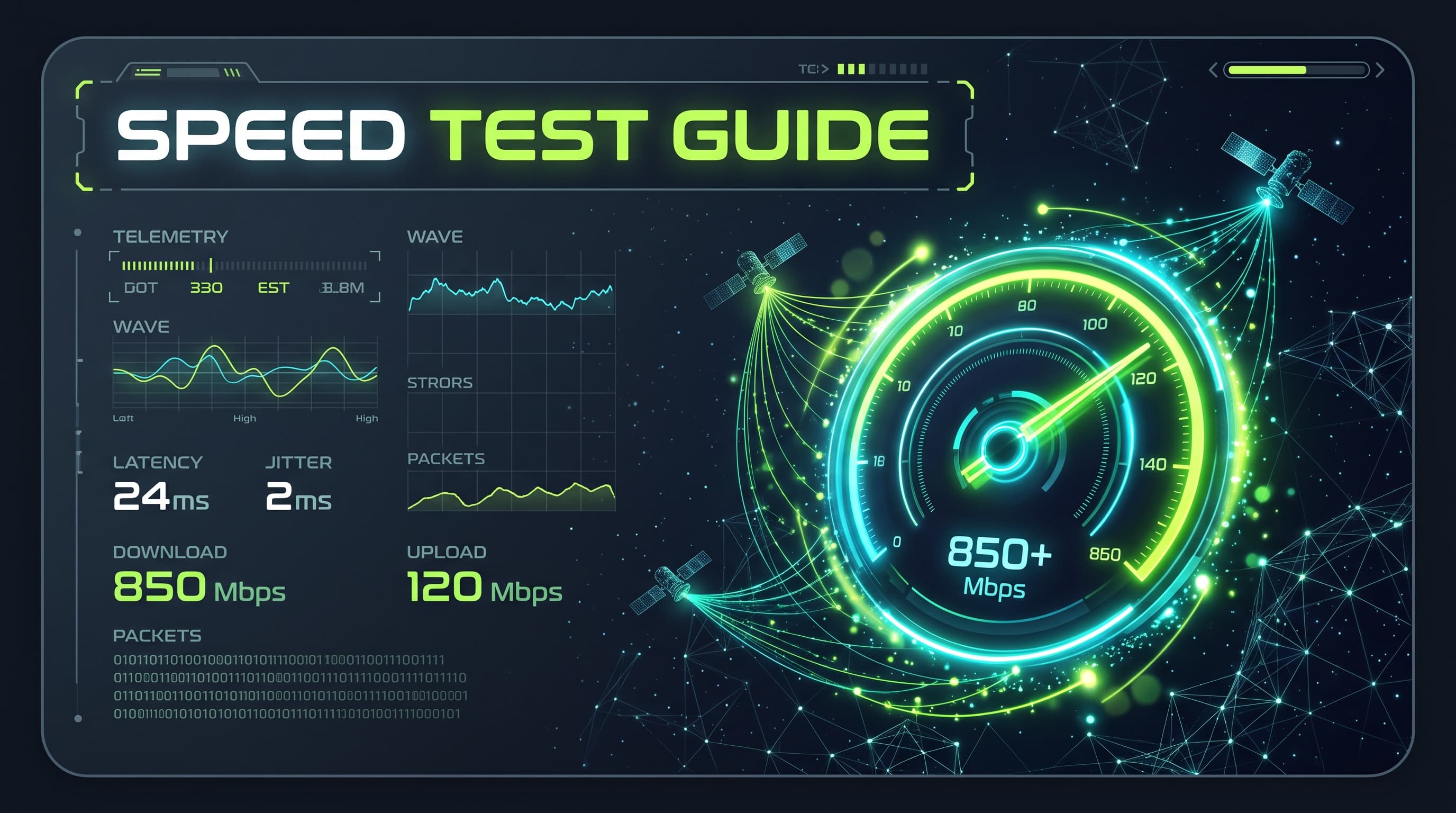
Developed by SpaceX, Starlink is a satellite-based internet service creating waves as a game-changer in world internet access. Starlink is fast becoming well-known as it is meant to offer high-speed internet to underprivileged and isolated places. How then can you find out whether your Starlink connection is providing the greatest performance? This is where a Starlink speed test finds application.
By use of a Starlink internet speed test, customers may evaluate their connection quality, troubleshoot sluggish speeds, and make required changes to maximize performance. This tutorial will walk you through how to do a speed test Starlink, what influences outcomes, and how to improve your internet speed for a flawless online experience. In addition does starlink might helpful in elections?
By examining important performance indicators including: A Starlink speed test gauges the effectiveness of your internet connection.
Determines your device's download speed—that is, its capacity to absorb internet data. This impacts file downloads, browsing, and streaming.
Important for video conversations, cloud backups, and gaming is upload speed—that is, the speed at which data flows from your device to the internet.
Ping, or latency, is the data transfer's delay between your device and the server. Real-time events such gaming and video conferences depend on low latency.
Frequent speed tests let you track variations and adjust your network settings in line.
Doing a Starlink internet speed test requires little effort and may be accomplished several ways:
Launch your device's Starlink app.
Go to the "Speed" section.
To find out about your connection, click "Run Speed Test".
Examine the findings to evaluate latency, download, and upload rates.
Should you want outside tools, you can make use of:
Ookla Speedtest (www.speedtest.net)
Fast.com, Netflix's online speed test tool
Search "Speed Test" on Google and click "Run Speed Test." Google Speed Test
Enter into the online portal to access your Starlink router settings.
Search the "Network Performance" part.
For more exact results, do a speed test straight via the router.
To track performance variances, check morning, peak hours, late night periods of the day.
When your connection fails or sluggish internet speeds.
Following changes in network configuration or dish location.
After a speed test Starlink, proper interpretation of the findings depends on:
1. What is a decent Starlink speed.
Download Speed: 50–250 Mbps.
Upload speed is 10–40 Mbps.
Ping: 20–50 ms; lower is ideal.
2. Why is latency so crucial?
Reduced latency guarantees real-time browsing, video conferences, and seamless gaming.
3. Why might Starlink's speed change?
Throughout the day, satellite location, weather, and network congestion might affect speeds.
Several elements affect the consistency and accuracy of your Starlink internet speed test findings:
Obstacles—trees, buildings, etc.—may interfere with satellite communications.
Temporary slowing down might result from weather (rain, storms).
Changes in satellite location can cause small speed variations.
Peak use times when more people are online might cause speeds to decline.
Should multiple Starlink users in your vicinity be active simultaneously, speeds may momentarily drop.
Make sure the Starlink router is positioned free from electronic interference and heavy walls in an open area.
WiFi signals can be disrupted in households by appliances as cordless phones and microwaves.
Outdated routers or sluggish Ethernet lines might impede speed.
Make that Starlink gear routinely has firmware updates loaded.
Try these remedies if your Starlink internet speed test reveals slower-than-expected findings:
Make sure your line of sight to the heavens is unobstructed.
Discover the ideal location with the blockage tool of the Starlink app.
WiFi is less stable than wire connections.
Connect equipment straight to the router using a Starlink Ethernet adapter.
Though a high-performance third-party WiFi 6 router can improve speeds, Starlink's basic router is decent.
Cut background streaming, cloud backups, and big downloads.
Cut off dormant devices from the network.
To routinely renew the connection, power cycle your router and Starlink dish.
How fast Starlink is compared to conventional internet providers?
Internet TypeAverage SpeedStarlink50-250 MbpsFiber Optic500-1000 MbpsCable Internet100-500 MbpsDSL10-100 Mbps
Advantage:
Perfect for far-off rural communities.
Not depending on any physical infrastructure.
rapid mobility and setup.
Disadvantage:
Not as quickly as fiber.
Periodic speed variations brought forth by satellite location.
More delay than with wired links.
Monitoring your internet performance and guaranteeing you have the greatest connectivity depend on a starlink speed test. Understanding how to run a Starlink internet speed test, examine findings, and enhance your setup will help you to maximize your speeds and enjoy a flawless online experience.
If you have poor speeds, think about environmental elements, network congestion, and hardware upgrades. Starlink can offer a dependable and fast internet connection—even in the most isolated areas—with the correct tweaks.
Are you looking for a reliable software solution? Read the full article and discover how decimal solution can help transform your practices!
1. How may I do a Starlink speed test?
Check your internet speed with the Starlink app, Speedtest by Ookla, or Fast.com.
2. What reasonable Starlink internet speed is?
With latency between 20-50 ms, speeds vary between 50-250 Mbps download and 10-40 Mbps upload.
3. Why low is my Starlink speed?
Speed can be impacted by elements like network congestion, satellite location, and weather.
4. How may my Starlink speed test be better?
Change your router, maximize dish location, utilize a wired connection, and restrict bandwidth-heavy activities.
5. Does Starlink faster than traditional broadband providers?
Starlink is fantastic for remote locations, however normally fiber and cable internet provide better speeds with less latency.
Focusing in custom software development, ERP systems, CLMS, CRMS, and AI-powered solutions, Decimal Solution is Businesses trust us for AI-driven invention for the following reasons:
Custom AI Solutions — We fit for your specific business requirements artificial intelligence solutions.
Our team makes sure your present systems easily incorporate DeepSeekV2.
Compliance and Data Security — First concern is data security following industry best practices.
We promise ideal functioning of your AI solutions by means of 24/7 support and maintenance.
Get in Touch With Us!
Let us assist you to find practical opportunities among challenges and realize your dreams.
linkedin.com/in/decimal-solution — LinkedIn
decimalsolution.com/ — Website
thedecimalsolution@gmail.com — Email
Tech in LawDecimal Solution · Oct 28, 2026
Learn how secure client portals help law firms protect sensitive data, improve communication, and build stronger client relationships.
Read article Tech
Decimal Solution · Oct 28, 2026
Explore how Cursor 2.0 and its Composer model revolutionize AI coding through multi-agent collaboration and faster intelligent development.
Read article ERP Solutions
Decimal Solution · Oct 28, 2026
See how Decimal Solution’s ERP helps industries manage work smoothly by simplifying, speeding up, and connecting everyday business tasks.
Read article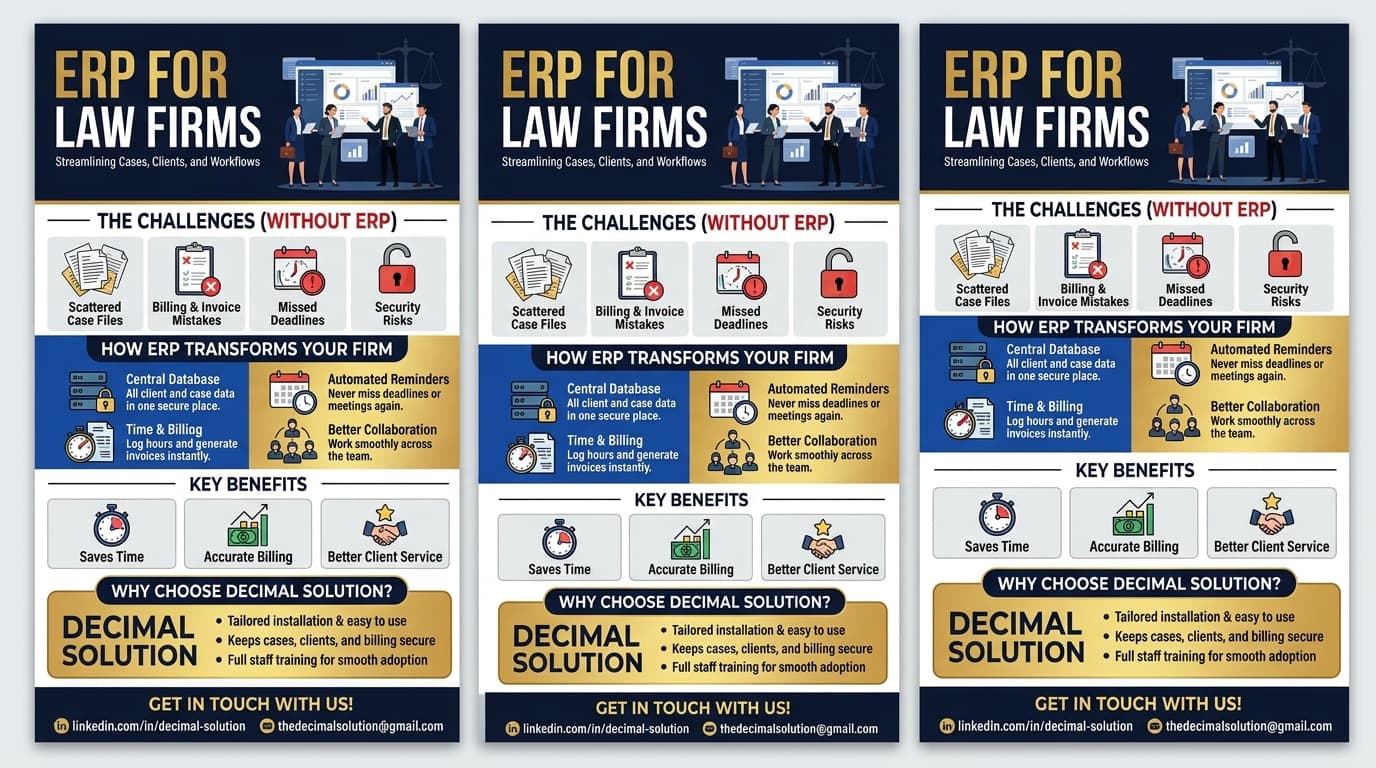 ERP Solutions
Decimal Solution · Oct 28, 2026
Learn how ERP helps law firms manage cases, clients, and documents more efficiently, saving time and improving client satisfaction.
Read articleLet's Build
From concept to launch, we handle every layer of your product. Tell us what you're building.